
Best Sound Effects for Streamers and Content Creators
Sound effects for streamers do more than just fill silence. They cue reactions, mark big moments, and give a stream or video its own personality. A w...
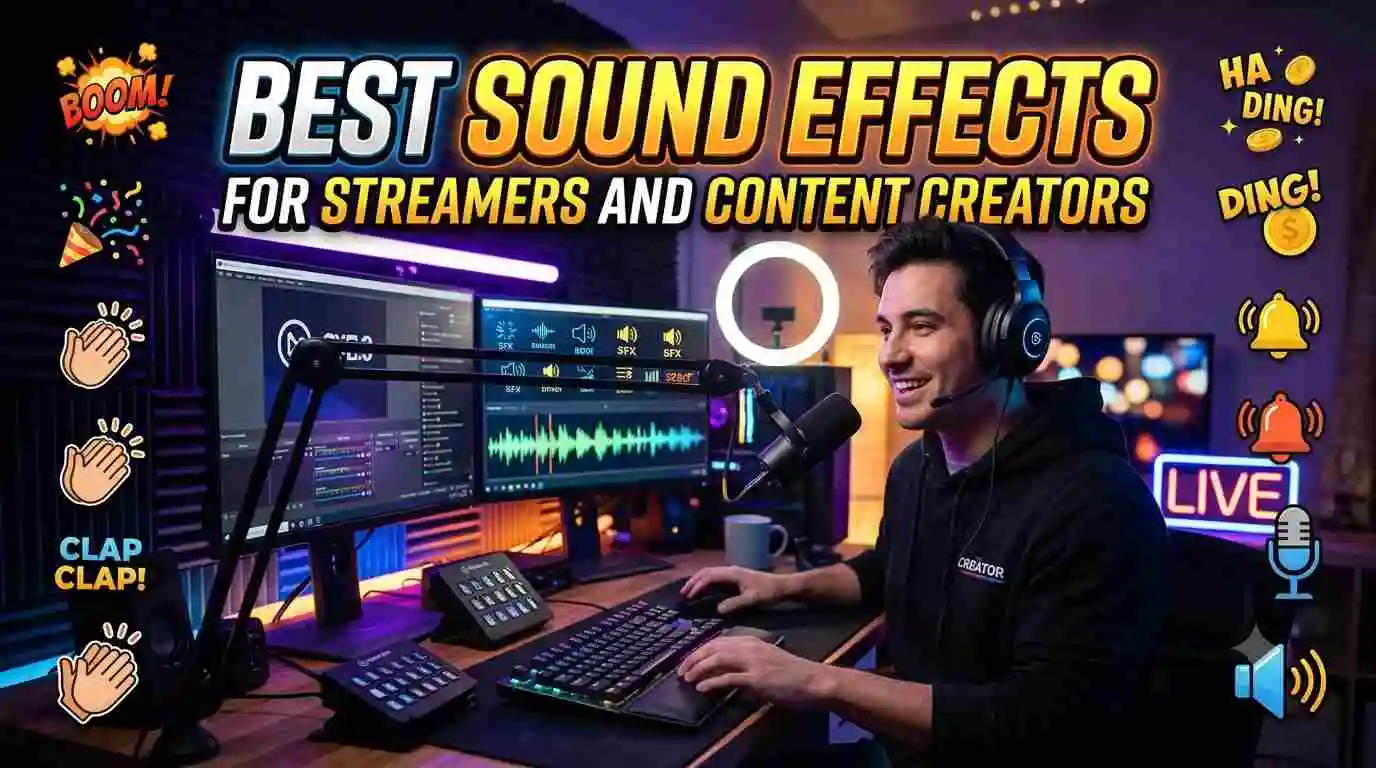
Sound effects for streamers do more than just fill silence. They cue reactions, mark big moments, and give a stream or video its own personality. A well timed sting after a clutch play, or a goofy notification sound for a new follower, adds a layer of production value that keeps viewers engaged and coming back.
Whether you're just starting out or looking to refresh your current setup, here's a breakdown of the best sound effect categories for streamers and creators, plus how to actually put them to use.
Why Sound Effects Matter for Streamers
Viewers often have a stream on in the background while doing something else, which means audio cues carry more weight than they might on a fully visual platform. A distinct sound tells someone to look back at the screen because something worth seeing just happened.
Sound effects also help build a personal brand. Streamers who use the same handful of sounds consistently end up creating an audio identity that regular viewers recognize instantly, even with the stream muted at first.
Top Sound Effect Categories to Use
Alert and Notification Sounds
These play automatically when someone follows, subscribes, or donates. A short, upbeat sound works best here since it needs to register quickly without pulling too much focus from the main content.
Comedic Stings
A sad trombone, a record scratch, or a dramatic "wah wah" fits perfectly after a fail, a bad joke, or an awkward moment on stream. These sounds tell the audience exactly how to feel about what just happened.
Hype and Victory Sounds
Big wins deserve big audio. A short victory fanfare or crowd cheer after a clutch moment in game adds energy and makes highlight clips feel more shareable.
Transition Sounds
A quick whoosh or swipe sound between scenes, like moving from a "starting soon" screen to live gameplay, makes the whole stream feel more polished and intentional.
Reaction Sounds
Gasps, boos, laugh tracks, and other reaction clips work well for community or reaction focused content, giving viewers something to react alongside.
Ambient and Background Effects
Some creators layer in subtle background sounds, like rain or a quiet crowd murmur, to fill dead air during slower moments without needing constant talking.
How to Use Sound Effects Without Overdoing It
A stream packed with constant sound effects can get exhausting fast. A few guidelines help keep things balanced:
- Reserve loud or dramatic sounds for genuinely big moments, not every small thing that happens.
- Keep alert sounds short, ideally under two seconds, so they don't interrupt the flow of conversation or gameplay.
- Test volume levels against your mic and game audio so effects don't overpower everything else.
- Rotate sounds occasionally to keep things feeling fresh for regular viewers.
Setting Up Sound Effects on Your Stream
Most streamers use software like Streamlabs or OBS with a soundboard plugin to trigger clips with a single hotkey during a live stream. The general setup process looks like this:
- Download the sound effects you want from a source like SoundboardMax.
- Import them into your streaming software's soundboard or hotkey panel.
- Assign each sound to an easy to reach key so you can trigger it without breaking focus.
- Test volume levels during a private stream before going live.
Where to Find Quality Sound Effects
The full sound effects library on SoundboardMax covers everything from alert sounds to comedic stings, all free to play and download with no account needed. For anything currently popular with other creators, the trending sounds page is worth a quick check before building out a new setup.
Frequently Asked Questions
Are these sound effects free to use on stream? Yes, every clip on SoundboardMax is free to download and use without any account or subscription.
What software do I need to trigger sound effects while streaming? Most streamers use OBS or Streamlabs along with a soundboard plugin, which lets you assign clips to hotkeys.
How many sound effects should I use during a stream? There's no fixed number, but most streamers stick to a small rotation of five to ten go to clips to avoid overwhelming viewers.
Can I use these sound effects in recorded YouTube videos too? Yes, the same clips work just as well in edited videos as they do in live streams.
Final Thoughts
The right sound effects for streamers can turn a decent stream into a genuinely fun one to watch. From alert dings to comedic stings, a well curated collection adds personality and keeps viewers engaged. Browse the full library on SoundboardMax and start building your own streaming sound kit.